
为 AI 分享而生Made for sharing AI chats
生成 Claude 对话长图,
微信分享Turn a Claude chat into
a beautiful long image for sharing
一条公开的 Claude 分享链接,排成讲究的长图,轻松发到微信、朋友圈,或随手收藏到相册。One public Claude share link, typeset into a long image — ready to post on WeChat, send to friends, or save to your photos.
无需账号No account仅存本机On-device免费Free
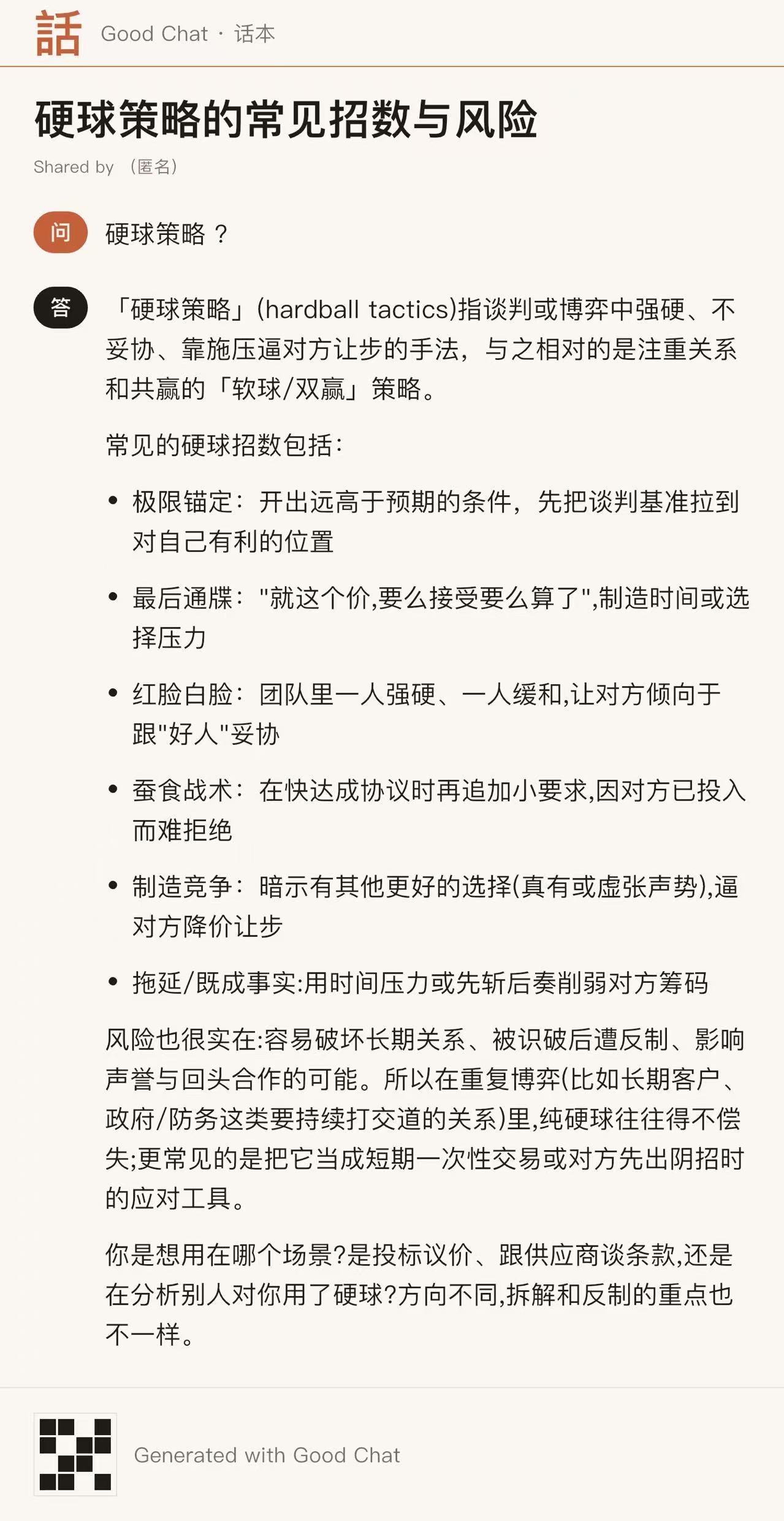
三步生成Three steps
从一条链接,到一张可分享的长图From a link to a shareable long image
-
01
复制分享链接Copy the share link
在 Claude 中打开一段对话,点击分享,复制那条 claude.ai/share 公开链接。Open a chat in Claude, tap Share, and copy the public claude.ai/share link.
-
02
导入到话本Import into GoodChat
回到话本,粘贴链接,整段对话会自动载入,问与答清楚分明。Back in GoodChat, paste the link and the whole conversation loads automatically, question and answer clearly laid out.
-
03
生成长图分享Generate & share
选择整段或某几轮问答,点「生成长图」,发到微信、朋友圈或存进相册。Pick the whole chat or just a few exchanges, tap Generate, and share to WeChat or save to your photos.
为什么是话本Why GoodChat
把对话当作值得收藏的文字Conversations worth keeping
整段或部分分享Whole or partial
想发全部就发全部;只想分享其中某几轮问答,也可以自由挑选。Share everything, or hand-pick just the exchanges you want.
内容只存本机Stays on your device
对话只保存在你的设备上;离开设备的,只有匿名的崩溃诊断。Conversations stay on your device; the only thing that ever leaves is anonymous crash diagnostics.
中英双语Bilingual
界面与长图排版同时支持简体中文与英文,切换自如。The interface and the typeset image both support Simplified Chinese and English.
排版精致Beautiful typesetting
衬线标题、舒朗间距、稳妥留白,像一页安静的杂志。Serif headings, easy spacing, generous margins — like a quiet magazine page.
界面一览A look inside
从对话库,到一张长图From your library to a finished image
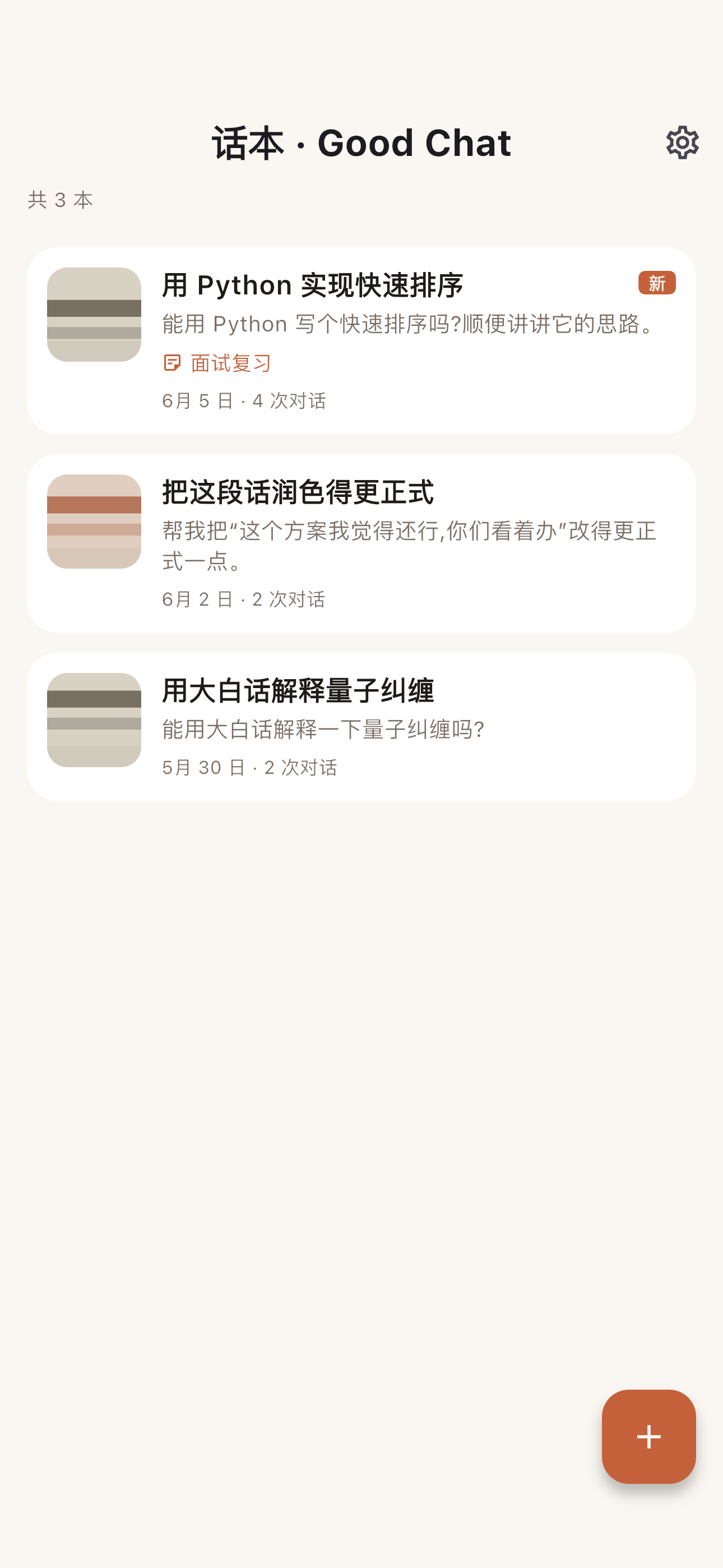
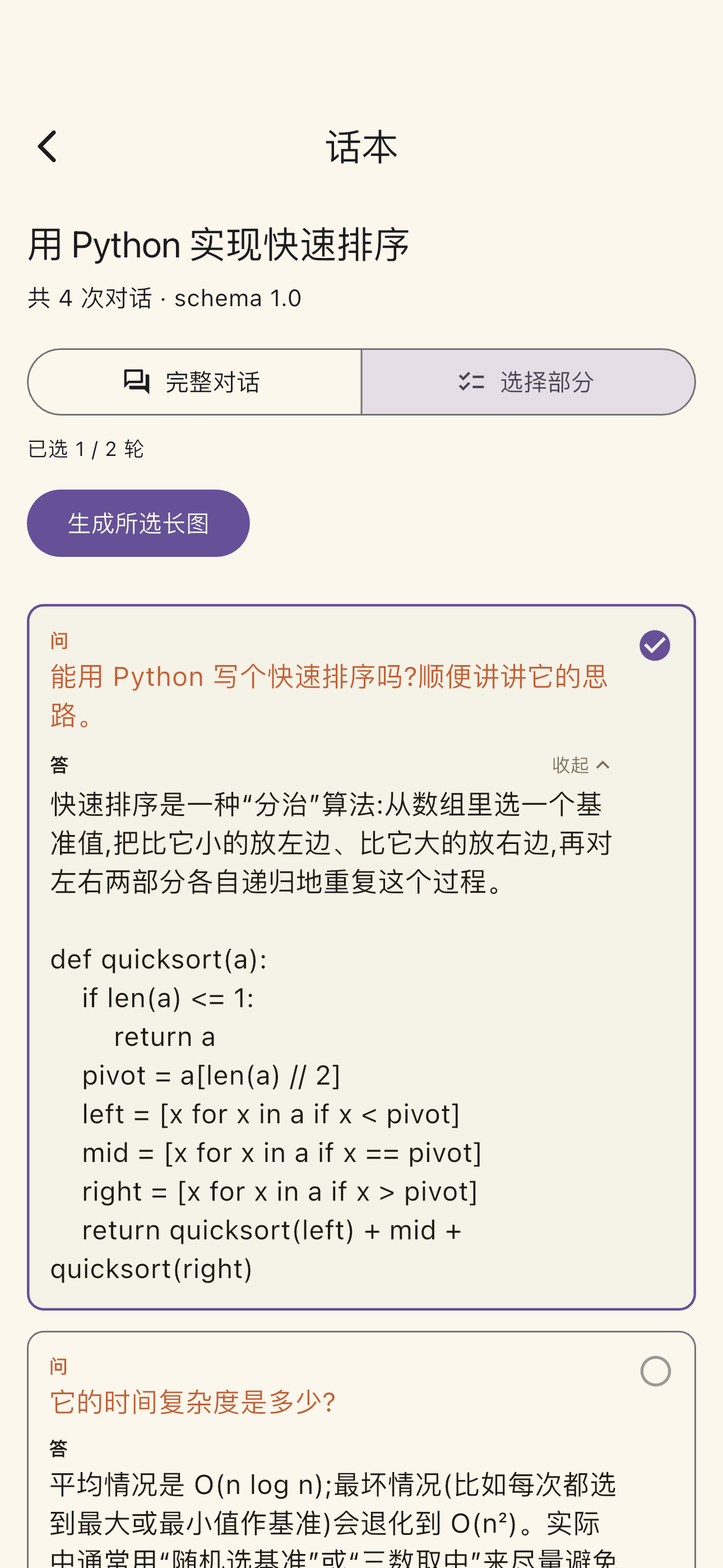
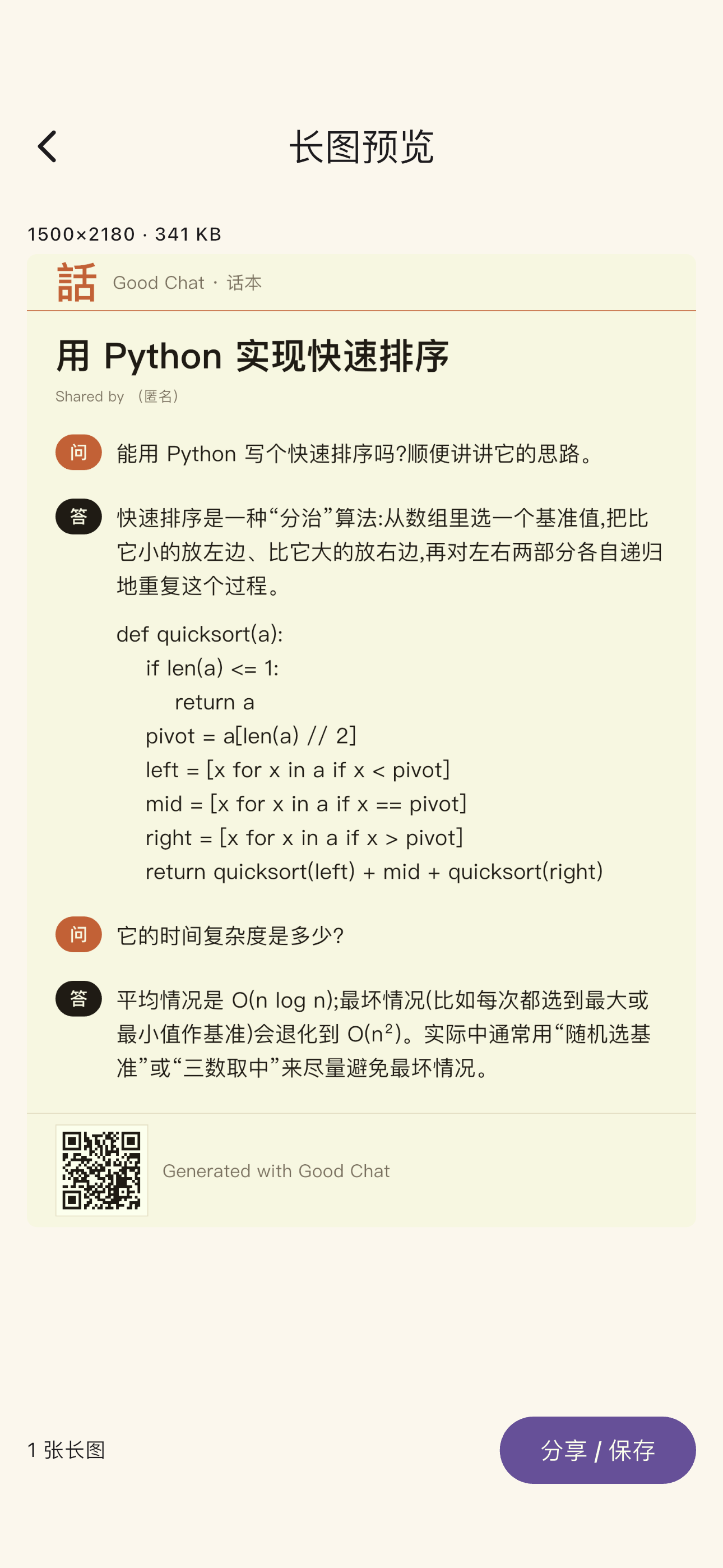
把下一段对话,留成一张长图Keep your next conversation as a long image
无需账号,免费下载。复制链接,几下就好。No account, free to download. Just copy a link — it only takes a few taps.
在 App Store 下载Download on the App Store